Manual Installation
Step 1. Download ZIP package file from Themeforest and unzip it.
Step 2. In unzipped folder you will find a folder named "Alaska Theme" and 2 archives in it: alaska.zip file and alaska-child.zip. Unzip alaska.zip one more time.
Step 3. Simply upload the unzipped "alaska" folder to /wp-content/themes/ folder on your server via FPT. If you want to use the child theme for future theme editing, extract alaska-child.zip file and upload alaska-child folder to /wp-content/themes/ folder on your server too.
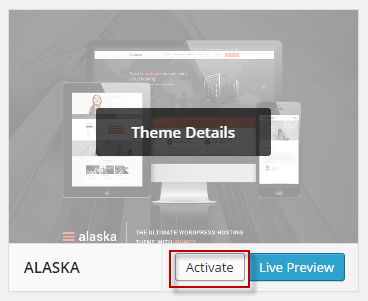
Step 4. Login to your Dashboard, go to Appearance/Themes menu and active Appearance theme.