Portfolio
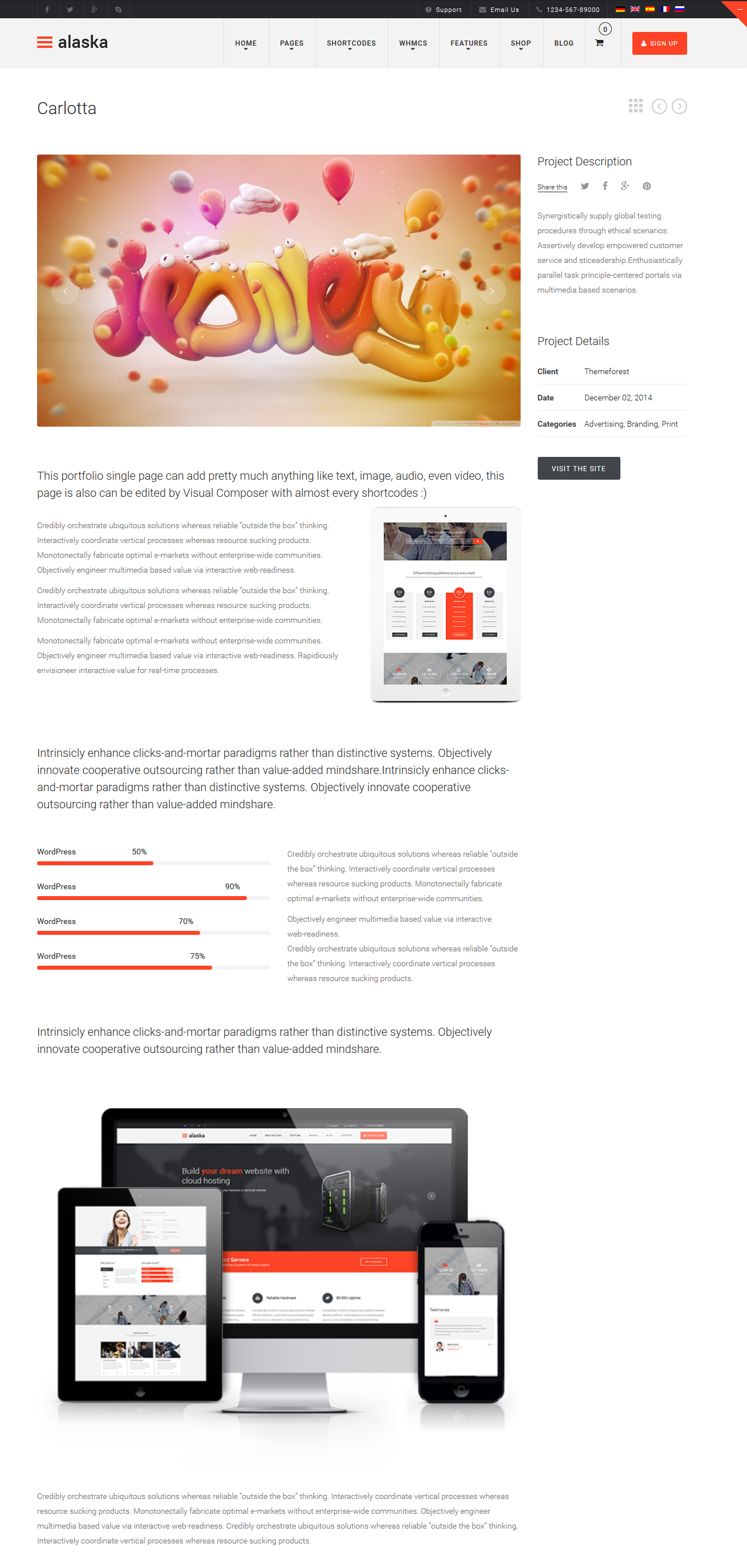
Portfolio is very important part of any website nowaday, we also put it into Alaska with cool effect when hover on each tab. There are 4 portfolio formats to be displayed on page: image, slider, video, soundcloud. These formats are displayed in 2 columns, 3 columns, 4 columns, sidebar, fullwidth or single page.
3.1 Portfolio Setting
In the Dashboard you can change portfolio settings, those settings will be applied to portfolio archive pages
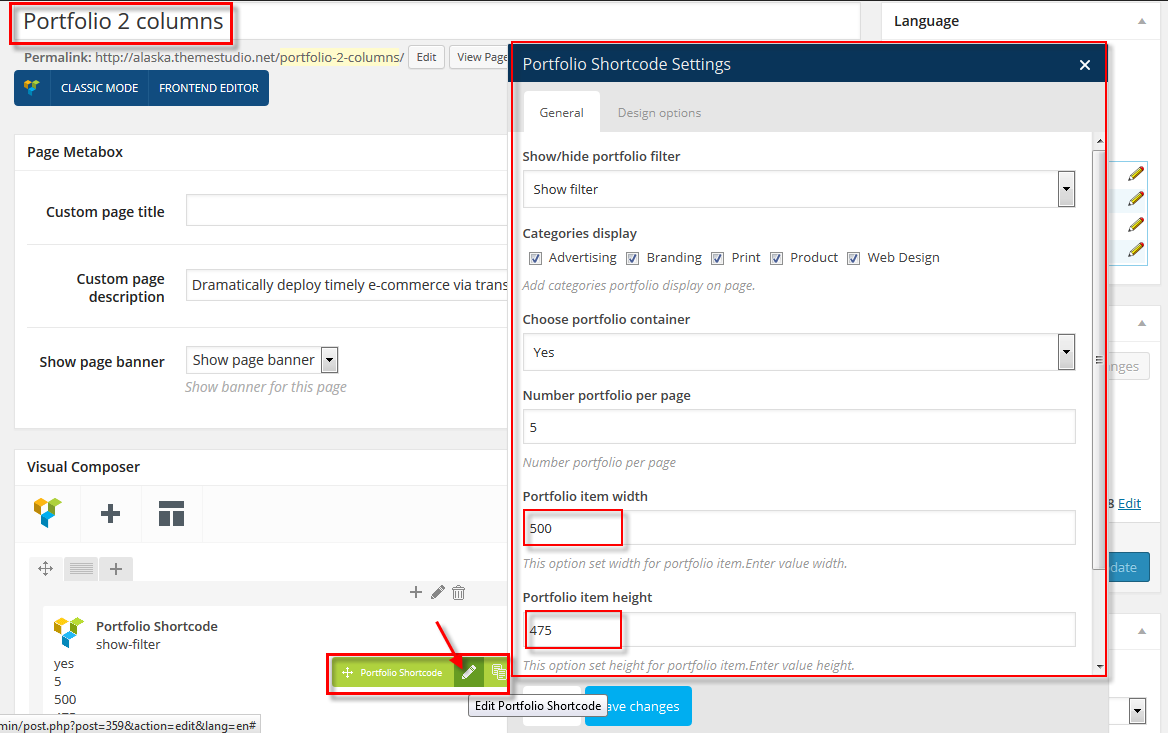
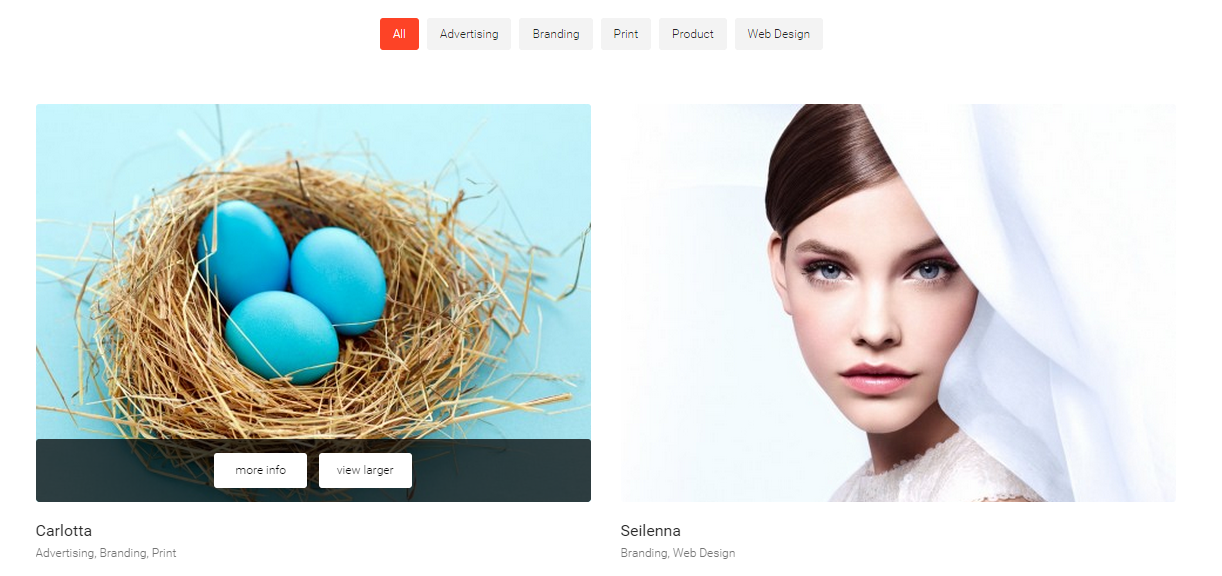
- Two Columns
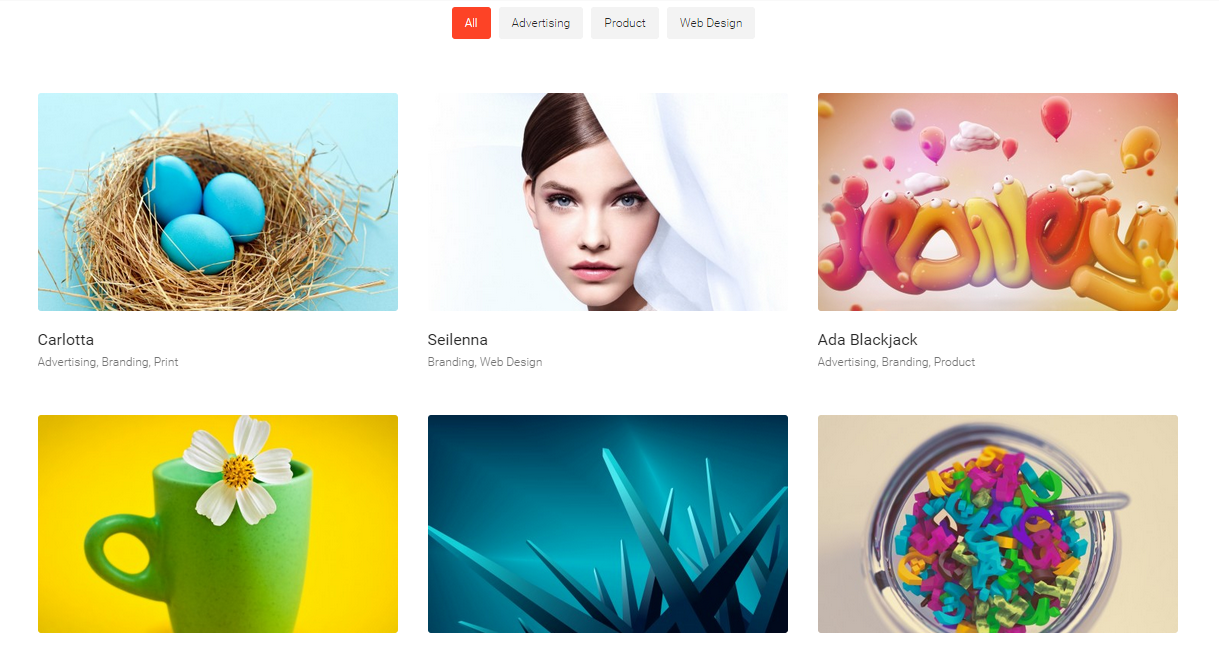
- Three Columns

- Four Columns
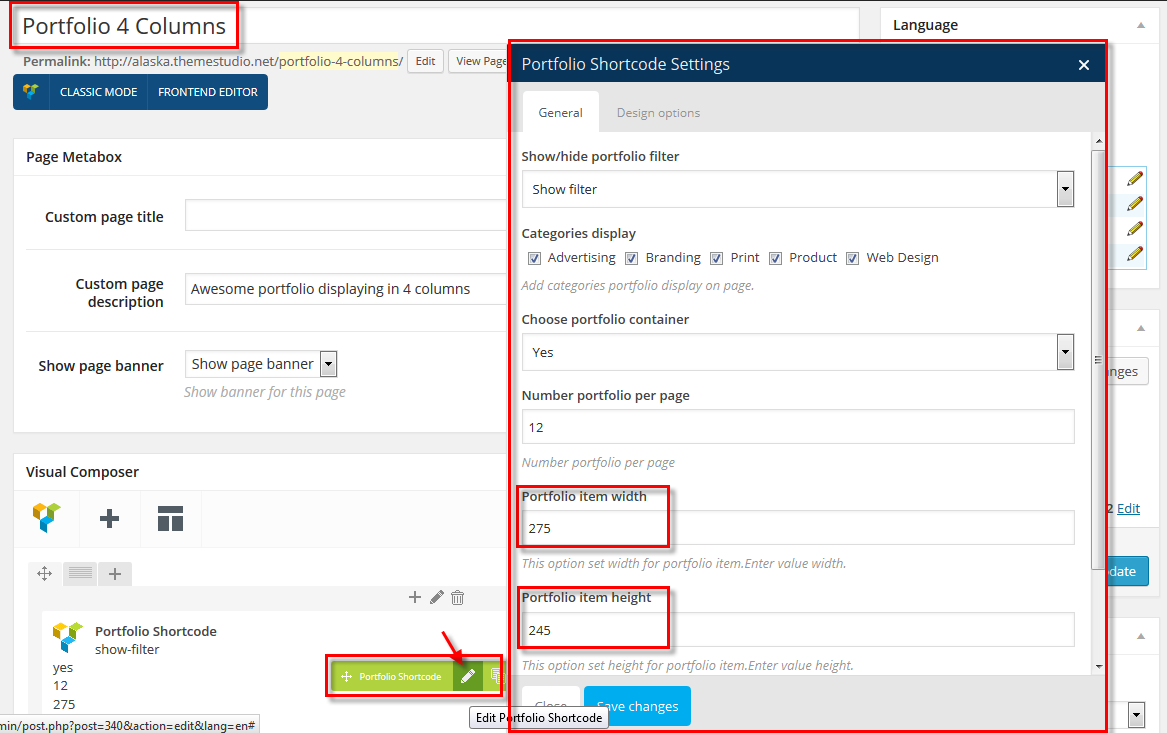
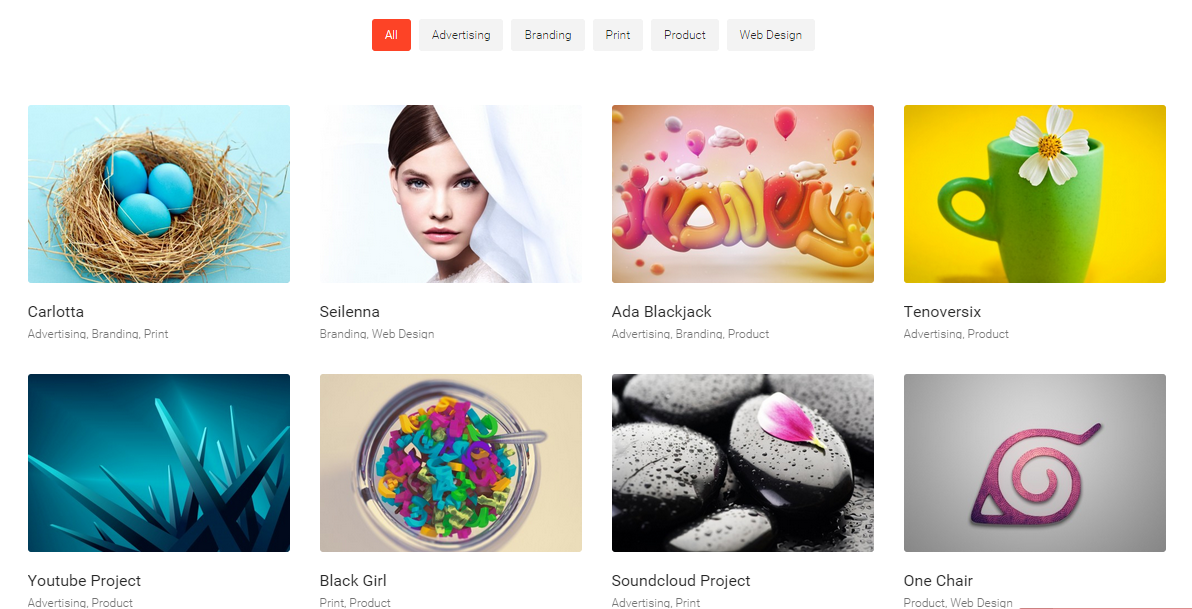
- Portfolio Sidebar
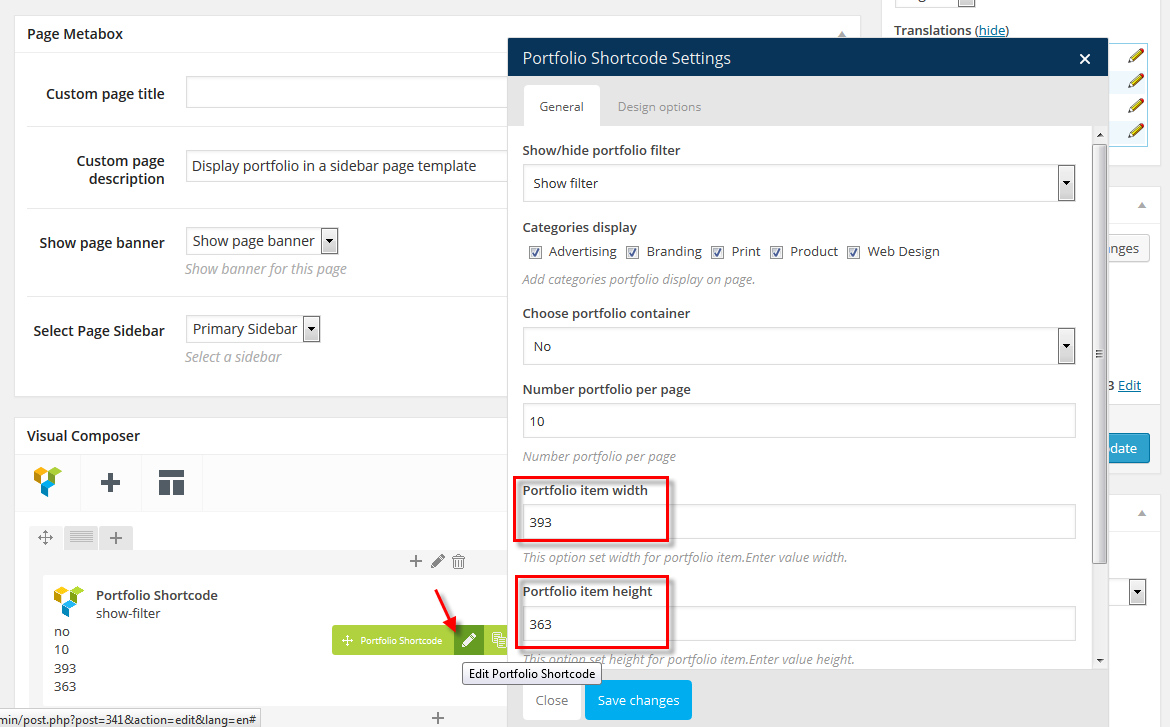
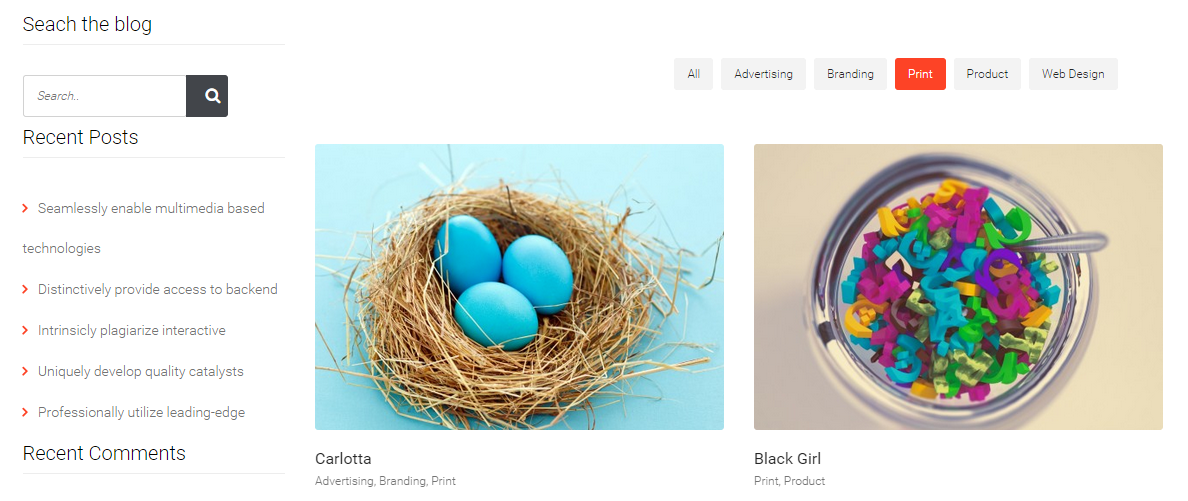
- Portfolio Full Width
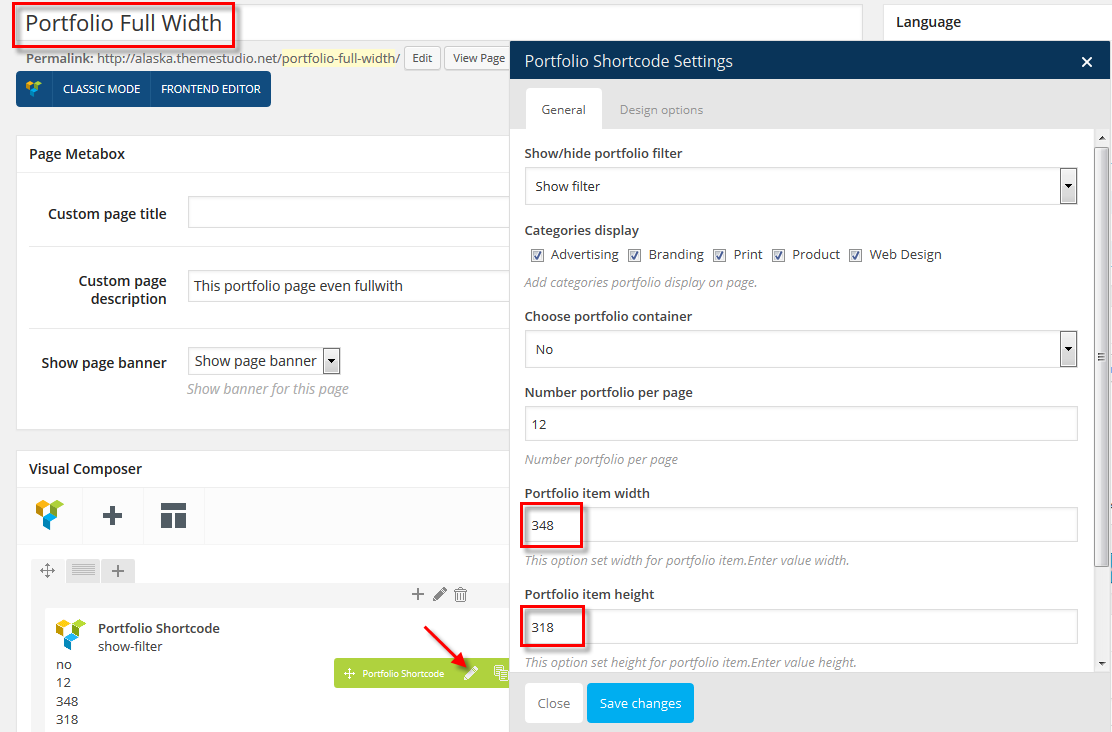
How to create Portfolio items
From Dashboard, Go to Portfolio > New Portfolio. It will take you to the "Add New Portfolio" page.
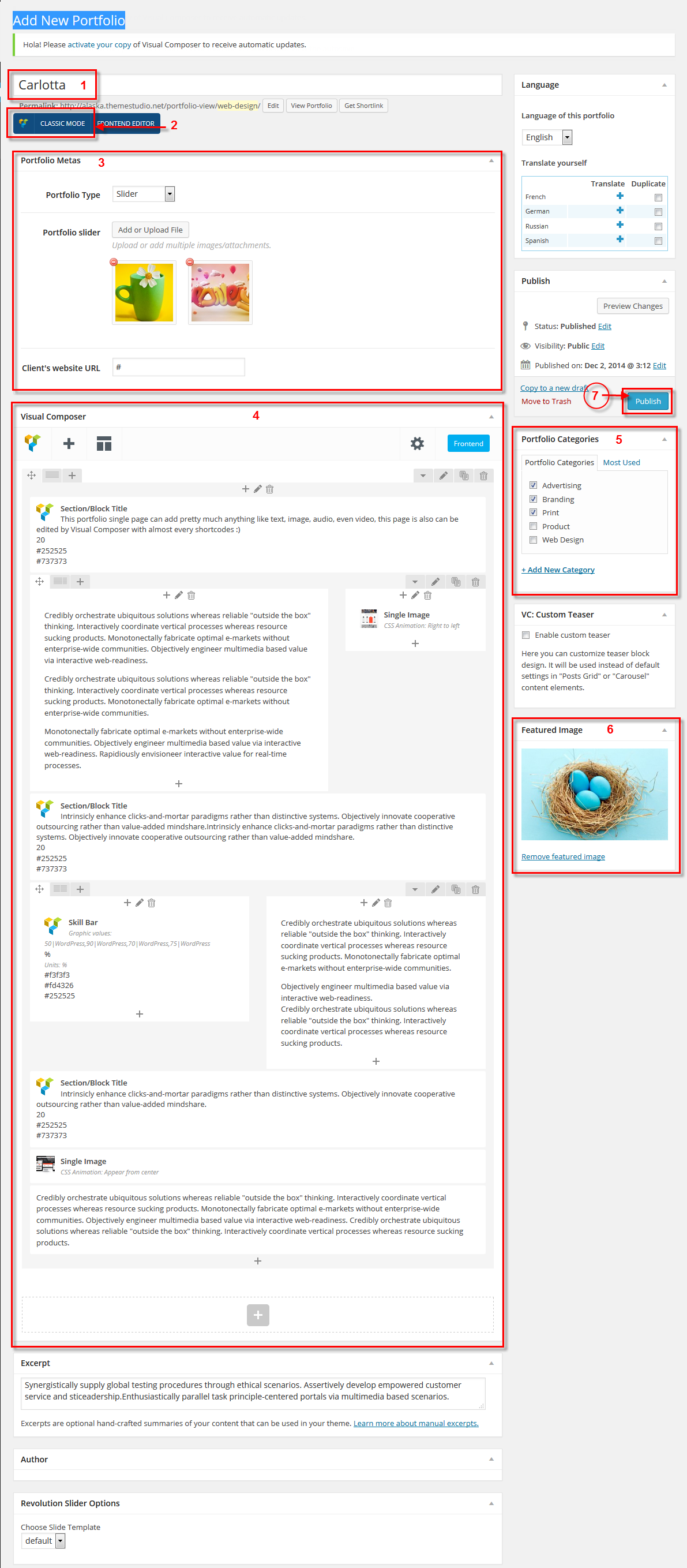
For above form:
[1]: Give portfolio item a name [2]: Choosing "BACKEND EDITOR" mode. [3]: Selecting one of Portfolio types from dropdownlist in "Portfolio metas" section. There are 4 portfolio types: Image, Slider, Video, Soundcloud. [4]: "Visual Composer" section where you can compose multi-contents to porfolio item. Refer to our above demo image. [5]: Choosing categories that you would like to display this portfolio item. [6]: Upload a feature image for this portfolio item. [7]: Finally click on "Publish" button.
- View portfolio item you just created on frontend.